


$325.00
YouMatrix TECH Desktop Computer utilizes the artificial frequencies from your desktop to allow your biology access to the vital frequencies necessary for self-regeneration.
Set of 15 TECH discs to harmonize the artificial frequencies from desktops.
Within each YouMatrix TECH disc there is a dynamic, microcrystalline matrix that when applied to your computer in the specific configuration outlined in the instructions, uses the artificial EMFs emitted from your desktop itself to restore the missing Spin Mechanism; unlocking the access to the synchronized, biocompatible frequencies necessary for self-healing.
YouMatrix TECH converts artificial Electromagnetic Radiation (EMR), or microwaves, emitted from your desktop into beneficial, biocompatible frequencies by adding the missing frequencies, which are present in nature. These natural frequencies dictate our ability to adapt, allowing us to adjust to the stressors all around us.
U.S. Patent No. 11296743 & MADE IN USA
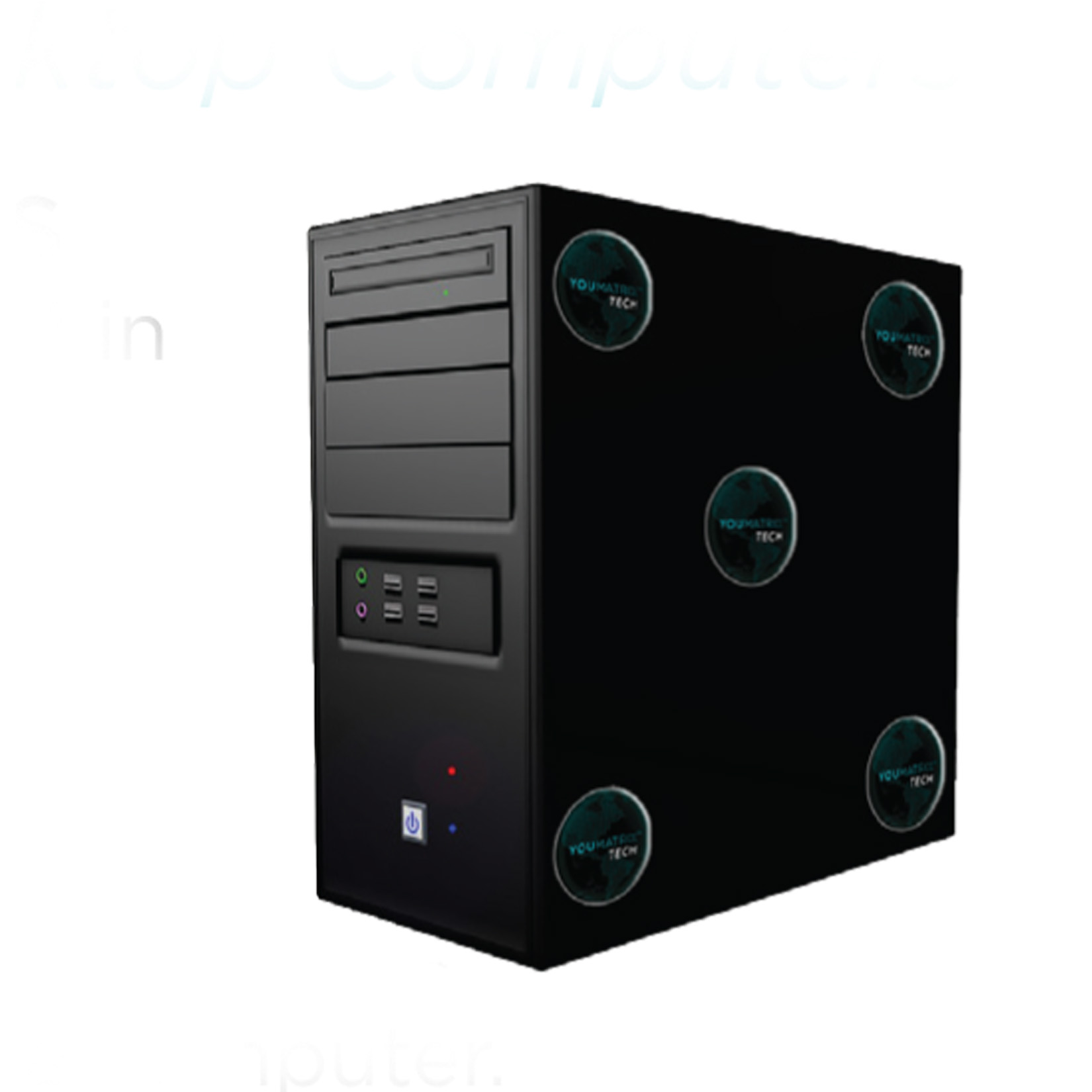
For desktop/tower Computers – Adhere 1 TECH disc in each corner and 1 in the center of one side of the tower.
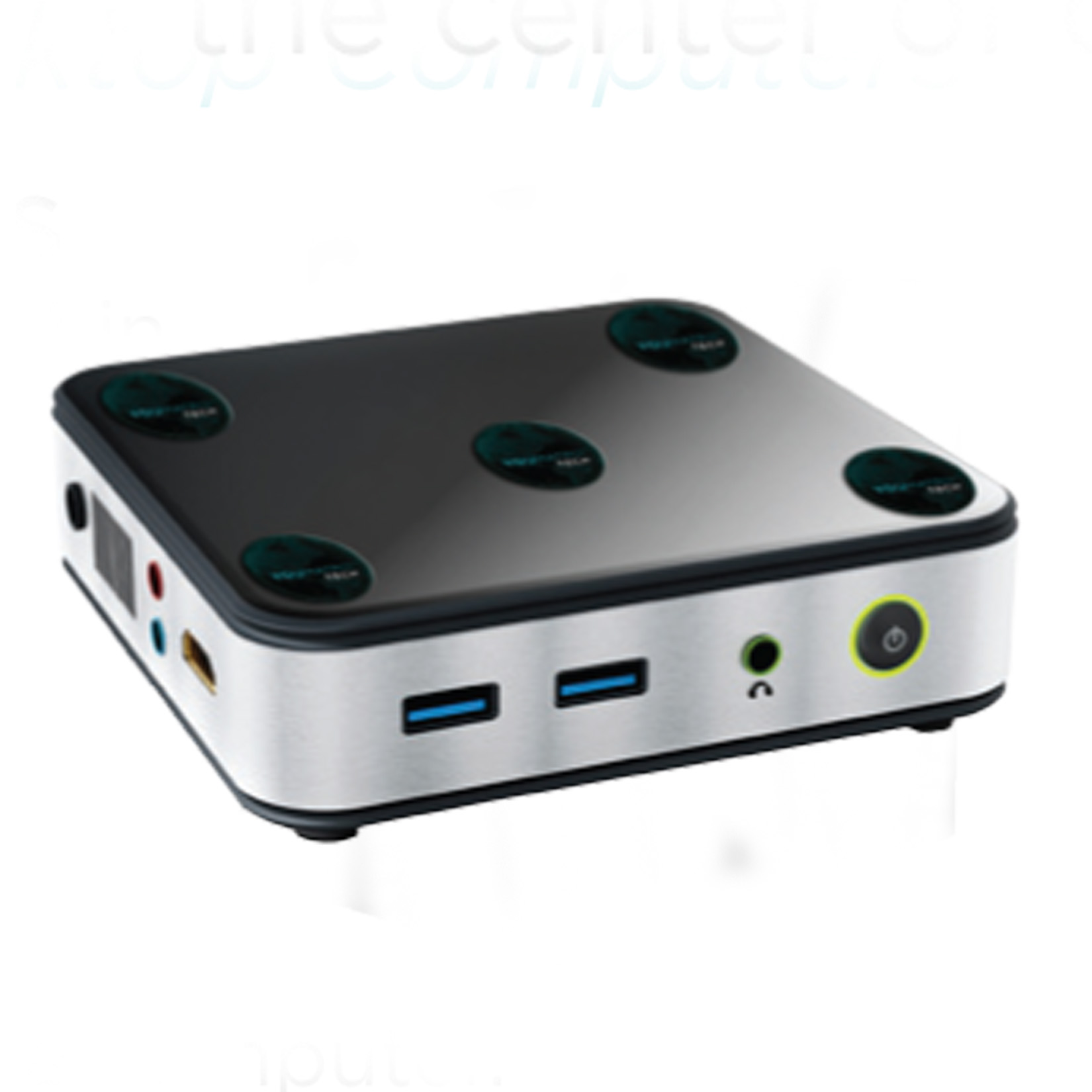
For cube/mini Computers – Adhere 1 TECH disc in each corner and 1 in the center of the top or bottom of the computer.
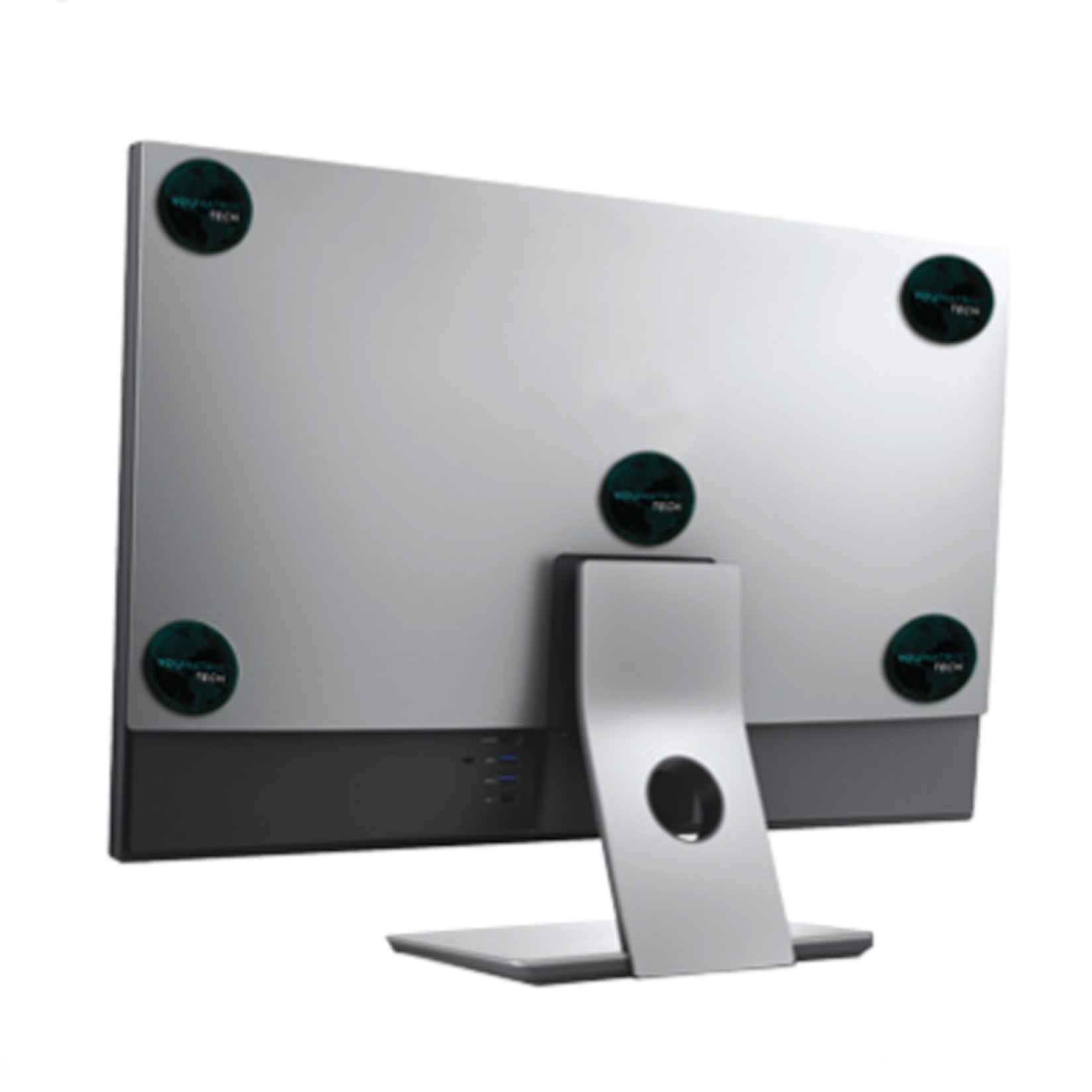
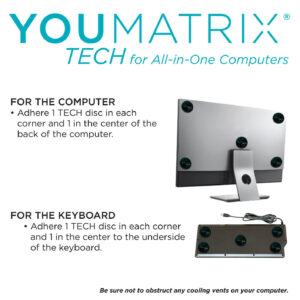
Monitor – Adhere 1 TECH disc in each corner and 1 in the center of the back of the monitor.
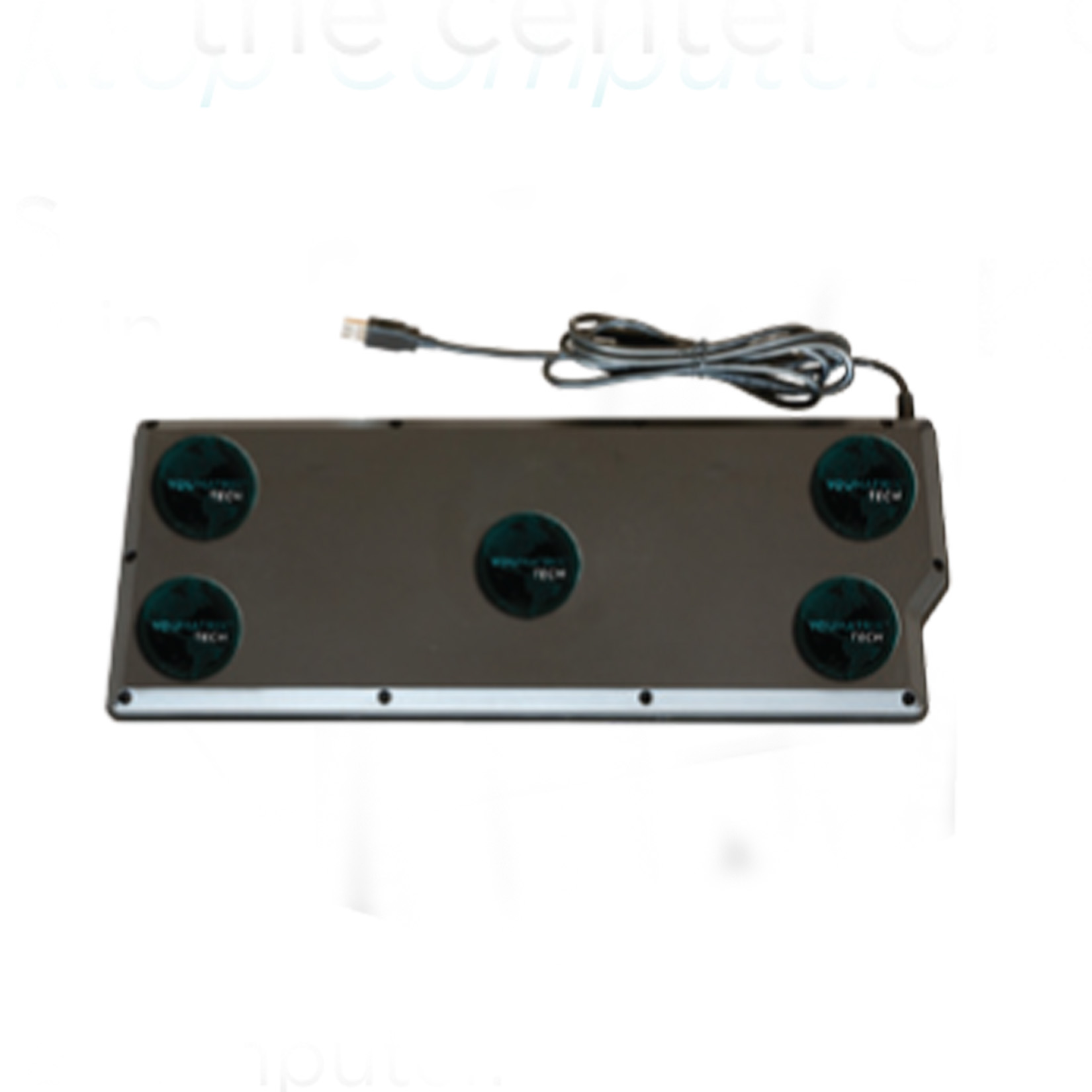
For the Keyboard – Adhere 1 TECH disc in each corner and 1 in the center to the underside of the keyboard.
Be sure not to obstruct any cooling vents on your computer.
If you think you may need to remove your YouMatrix TECH for any reason before 12 months have passed (i.e. getting a new device, repairing your device) it is advised to NOT permanently adhere it to your device. Instead tape your TECH in the appropriate location on your device and secure it in place with a case. This way you can easily remove the TECH without damaging either your device or your YouMatrix TECH.
For the best performance it is recommended to replace your YouMatrix TECH once/ year. More tips can be found in the FAQs at YouMatrixIt.com
YouMatrix LLC warrants that the product will be free from defects in materials and workmanship for a period of 12 months from the purchase date. Warranty applies only to products purchased from YouMatrix LLC and/or its authorized affiliates. Warranty is void for purchase from nonauthorized third parties.
WARRANTY DOES NOT APPLY TO REGULAR WEAR AND TEAR. For complete warranty terms and conditions, refer to www.YouMatrixIt.com.
Laptops require 6 YouMatrix TECH discs, tablets require 5, all-in-one desktops require 10 TECH discs, and all other desktop computers (i.e. tower, mini, and cube versions) require 15 TECH discs.
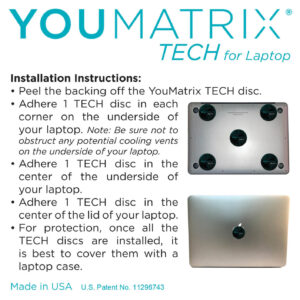
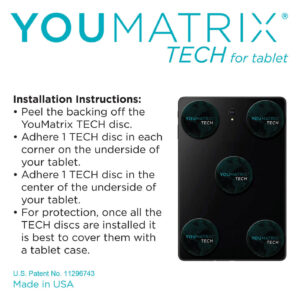
To apply the TECH discs, remove the backing from the discs, adhere one to each corner of the underside of your laptop and/ or tablet, and one to the middle of the underside. Hold them in place for a moment for the best adhesion.
For laptops the 6th TECH disc goes on the center of the top of the lid. Be mindful not to place the discs directly over laptop feet or fully cover any vents on the underside.
It is a good idea to clean the back of your laptop or tablet so the TECH adhere better. The logo doesn’t have to be straight in order for it to be effective. It is merely for esthetic purposes to have it aligned.
If you do not have a laptop or tablet cover, you may want to apply tape directly over the TECH disks to prevent damage and loss.
For desktops the installation depends on which model of computer you have. Please refer to the Shop page to review the illustrations and directions on how to install the TECH discs on your particular model of desktop.
Only logged in customers who have purchased this product may leave a review.

To View the YouMatrix Website, you must accept our terms and Conditions.
This site does not provide health or medical advice. You should consult a licensed physician for any specific outcome questions.

Reviews
There are no reviews yet.